
01
Name your business
Sign in with Google. Choose a unique business name in Latin characters — it becomes part of your link.
inday.online/barbershop/w/haircut/
inDay is a simple service booking system with Telegram notifications, without a complex CRM. Build your widget, share the link — and let clients find a time that works.
Google sign-in · No card · Start free
For people working for themselves
Preparing the booking example…
Test booking · no payment or actual visit
Tomorrow’s appointments
Instagram · Viber · Telegram
While you’re replying, your time slips away.
SOUND FAMILIAR?
You open Instagram to share your work. You close it after a dozen messages about available times.
One link instead of “When are you free?”
FROM AN IDEA TO YOUR OWN LINK
Your business stays yours. inDay makes booking easier.
Sign in with Google. Choose a unique business name in Latin characters — it becomes part of your link.
Add your services, duration and prices. Set your hours and choose a colour that feels like your brand.
Share a link on social media or print a QR code for your door, front desk or business card. Clients scan and choose a time without the back-and-forth.
A LITTLE HELPER. NOT A BIG CRM.
From an independent professional to a team. Services, working hours, bookings and client contacts in your account.
Working days, breaks, service lengths and flexible sessions. Every widget shares the professional’s busy time, preventing overlapping bookings.
Services with prices, your colours and the fields you need. From a full booking page to a compact calendar.
Telegram announces bookings, reminds people 24 and 2 hours ahead, and lets the professional acknowledge or cancel. After connecting the bot.
See you tomorrow 👋
14:00 · Men’s haircut
FOR PEOPLE DOING THEIR OWN THING
Your social profile already brings people in. Help them take the next step.
inDay · Date & time
Made with inDay
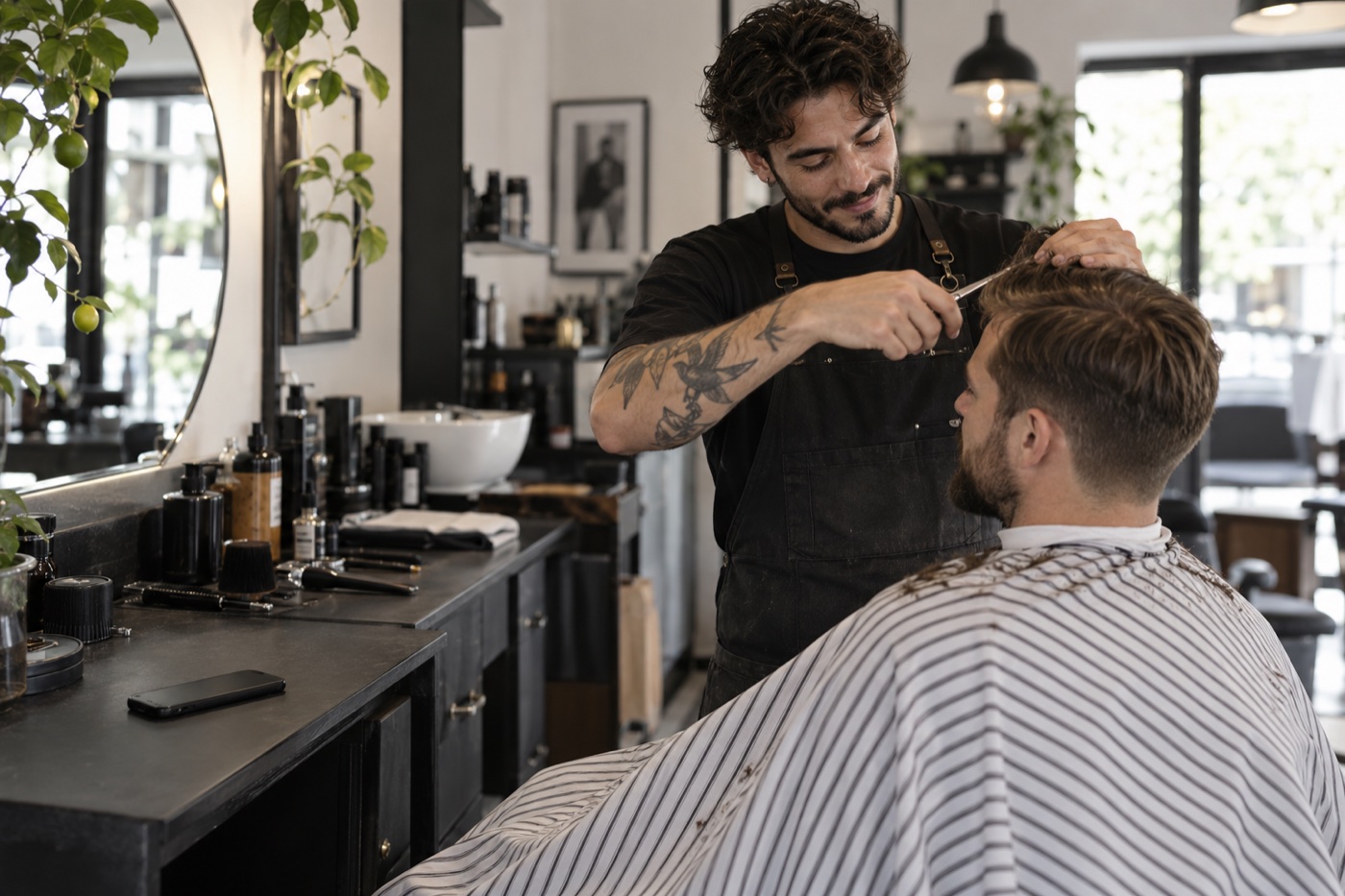
A haircut, manicure or treatment — clients see the service, price and available time. You stay focused on the result.
From independent professionals to a small studio.
ONE BUSINESS ACCOUNT FOR YOUR TEAM
A separate calendar for every team member. Multiple services in a widget when that suits you. Bring bookings together under one brand and share exactly the link your client needs.
Solo · Studio · BusinessDifferent links. One business account.
BOOKING WHERE YOUR CLIENTS ARE
On your door, by the mirror, at the front desk or on a business card — your QR code opens booking without searching for your profile or messaging back and forth.
Choose your widget or enter your own landing page address.
Download PNG or SVG, or open the print layout straight away.
Today it leads to Andrew’s widget; tomorrow, Maria’s. Update the destination in your account: the printed code stays the same.
Created a new widget? Select it for the existing QR — no need to replace the printed code.
I want a QR for my businessinDay
Point your phone camera here
Try it: this QR opens our booking calendar. Link your own code to your widget or page.
BOOKINGS THAT KEEP EVERYONE IN THE LOOP
Your Telegram assistant keeps you up to date: new bookings, reminders, acknowledgements and cancellations. For professionals and clients who connect the bot.
Bookings, reminders and bot actions
Add appointments to your calendar manually. Booking changes are not automatically synchronised.
Open your personal connection link and press Start first. A phone number alone does not connect Telegram.
A LINK THAT WORKS FOR YOUR BUSINESS
No need to explain where to click. A clear calendar, familiar services and your business name in the link.
One link for every social profile
Sviy Barbershop
Men’s haircuts · Beard care · Kyiv
Book your haircut ↓
MORE WAYS TO GROW, LATER
Business pages, events and pre-orders. From a training session to a hundred cupcakes on Monday — inDay will grow with your ideas.
STRAIGHTFORWARD ANSWERS
Yes. Create a QR in your account, choose your widget and save PNG or SVG, or open the print layout. Place it on your door, by your workstation, at the front desk or on a business card. Clients scan with their phone camera to open your booking page.
Keep the printed code. In your account, change its destination to another of your widgets or your own landing page. The QR address stays the same, so there is nothing to reprint. Select a new widget yourself; deleting the old one does not switch the QR automatically.
inDay focuses on one job: giving clients an easy way to book. You set up your services, availability and widget design, rather than a complex sales system.
No. Share your widget link directly on Instagram, Telegram, Viber or any other social network. Later, you will also be able to embed the widget in your own website.
For example, inday.online/barbershop/w/haircut/. Your business name comes first, followed by the widget. Language versions end in /uk/ or /en/.
No. Clients choose a date, service and time, then complete the fields configured by their professional. Telegram notifications require a separate bot connection.
Sign in with Google and create your business in the account. Widgets, bookings, client contacts, permanent QR links and Telegram are available. The homepage calendar creates a test booking without payment or an actual visit.
Yes. Ukrainian and English are the first two inDay languages. The language appears in the page URL, so you can share the right version with each client.
For different audiences, designs or booking flows. A widget can contain several services. Busy time is shared: one interval cannot be booked twice. Your plan limits the widget count.
YOUR TIME IS WORTH MORE
We are testing bookings, flexible schedules, the Telegram assistant and permanent QR links with our first professionals. Join us and help make your working day simpler.
Try it without payment. No bank card required.
One page to choose a service and time, Telegram notifications and a QR code on your studio door. Start with Free: one provider, one widget, a 14-day booking window and up to 10 active bookings.
How bookings, reminders and QR codes work →